Ally: the Elementor WordPress accessibility assistant
Web accessibility has become an essential issue. It guarantees access to online information for all users, including those with disabilities. It is also a guarantee of quality, legal compliance (RGAA, WCAG, ADA, etc.) and even a lever for improving your SEO.
But how can you easily make a WordPress site accessible? In practice, it can quickly become technical, time-consuming, and even discouraging. That’s why Elementor launched Ally, a built-in assistant that automates the detection and correction of accessibility errors. What is the Ally accessibility tool and what is it used for? We’ll explain everything!
Why is web accessibility important?
Today, more than a billion people worldwide live with a disability. An inaccessible website can potentially result in:
- A frustrating experience for some users
- Legal risk if you are subject to regulations
- A loss of visibility (SEO), audience, and revenue
Conversely, an accessible website provides optimized navigation, better understanding of content, better natural referencing, and a more inclusive brand image.
What is Ally, the Elementor tool?
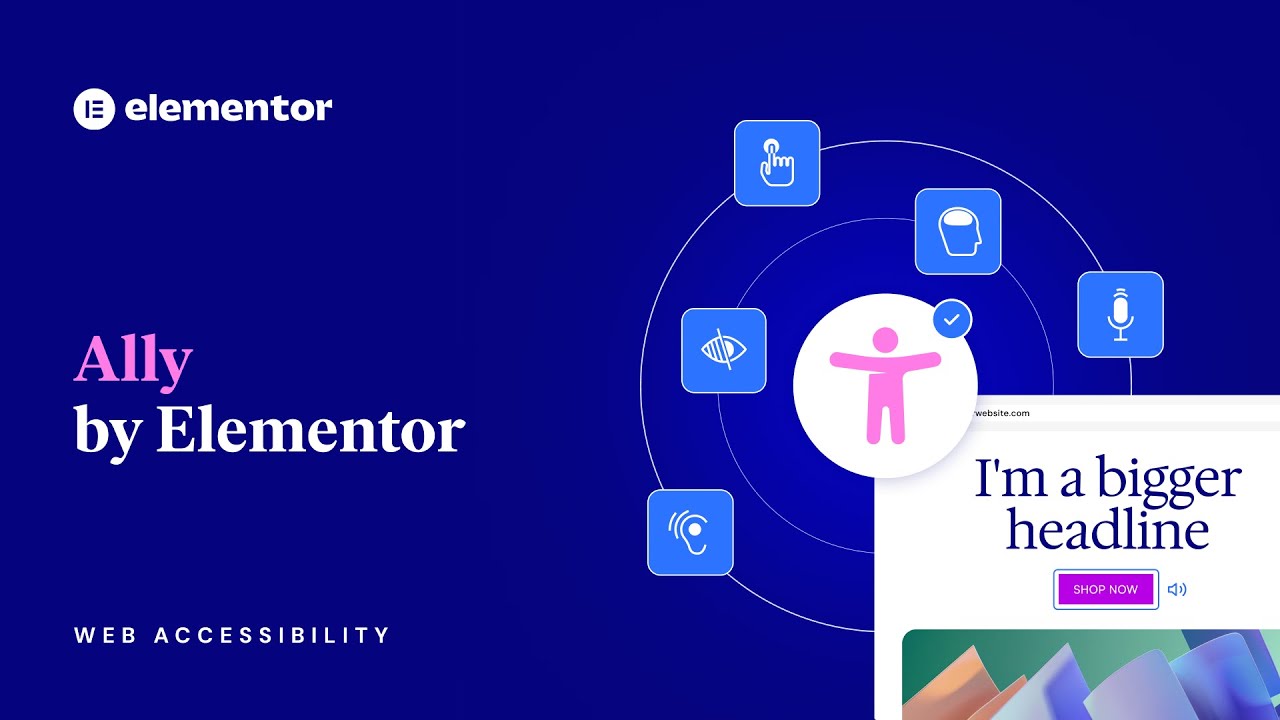
Ally is an intelligent assistant that is directly integrated into the Elementor ecosystem. It analyzes your WordPress pages, detects accessibility issues, and guides you through the process of correcting them effectively.
Here are the three pillars of the tool:
- Ally Assistant: an automated scanning system that identifies over 180 accessibility errors. It provides step-by-step corrections with clear recommendations based on artificial intelligence (AI).
- Visual Accessibility Widget: this customizable widget allows your visitors to adjust text size, contrast, colors, and activate a simplified reading mode. It’s a real plus for the user experience.
- Accessibility Statement Generator: in just a few clicks, you can generate a compliant accessibility statement, which is essential for many organizations (companies, institutions, associations, etc.).
Ally by Elementor features
Once activated, Ally gives you access to a comprehensive set of features to analyze, correct, and improve the accessibility of your WordPress site:
- Automatic scanning of your WordPress pages 🔍
- Detection of over 180 errors (WCAG, RGAA, ADA, etc.) ✅
- Clear and easy-to-follow AI correction suggestions 🤖
- Fully customizable accessibility widget for visitors 🧩
- Accessibility statement generated in 1 click 📄
- Centralized dashboard to track your improvements 📊
- No complex configuration or additional plugins 🔐
Want to try Ally for free?
🎁 Thanks to our Ally referral link, you can enjoy free access to the tool and a 50% discount on your subscription!
No promo code required: the discount is applied automatically.

How is Ally useful for you or your client?
Whether you are a freelancer, WordPress developer, or website manager, Ally provides real added value. Here’s why this Elementor accessibility assistant can make a difference:
- Avoid legal penalties: accessibility is a requirement in many countries
- Improve the user experience on all devices (mobile, tablet, computer, etc.)
- Strengthen your brand image by adopting an inclusive approach
- Save time as a freelancer or agency: automated scanning simplifies everything
- Optimize your SEO with better semantic structure
How to use Ally?
- Free scan: analyze one or more pages of your WordPress site without registering
- Immediate results: discover errors detected according to WCAG/RGAA criteria
- Assisted corrections: let AI guide you step by step
- Easy upgrade: upgrade to an Ally plan to unlock the full assistant, widget, report, and dashboard.
Ally: the Elementor solution for web accessibility on WordPress
Ally is web accessibility made easy.
It’s a smart Elementor tool designed for website creators who want to do things right without complicating their lives.
🎁 Good news: enjoy 50% off all Ally plans.
Now is the time to make your website more accessible and compliant!
FAQ about Elementor's Ally tool
Is Ally free?
A basic scan is available for free. To access AI suggestions, the accessibility widget, and advanced tools, you need to subscribe to an Ally plan. Thanks to our referral link, you are entitled to a 50% discount on your subscription. To find out more, check out our article!
Is Ally compatible with all Elementor sites?
Yes. Ally works with all WordPress sites using Elementor, without any special configuration.
Which accessibility standards are taken into account?
Ally detects errors according to WCAG, RGAA (France), and ADA (United States) standards.
Does Ally replace an accessibility expert?
No, but it covers most basic needs. It is ideal for automating and speeding up work and avoiding major oversights.
We wrote this article on our own initiative, without any request or collaboration with Elementor. The links included are affiliate links: by using them, you help support us and enable us to continue producing new articles. Thank you so much for your support! ❤️